Connecting Etropo to Claude
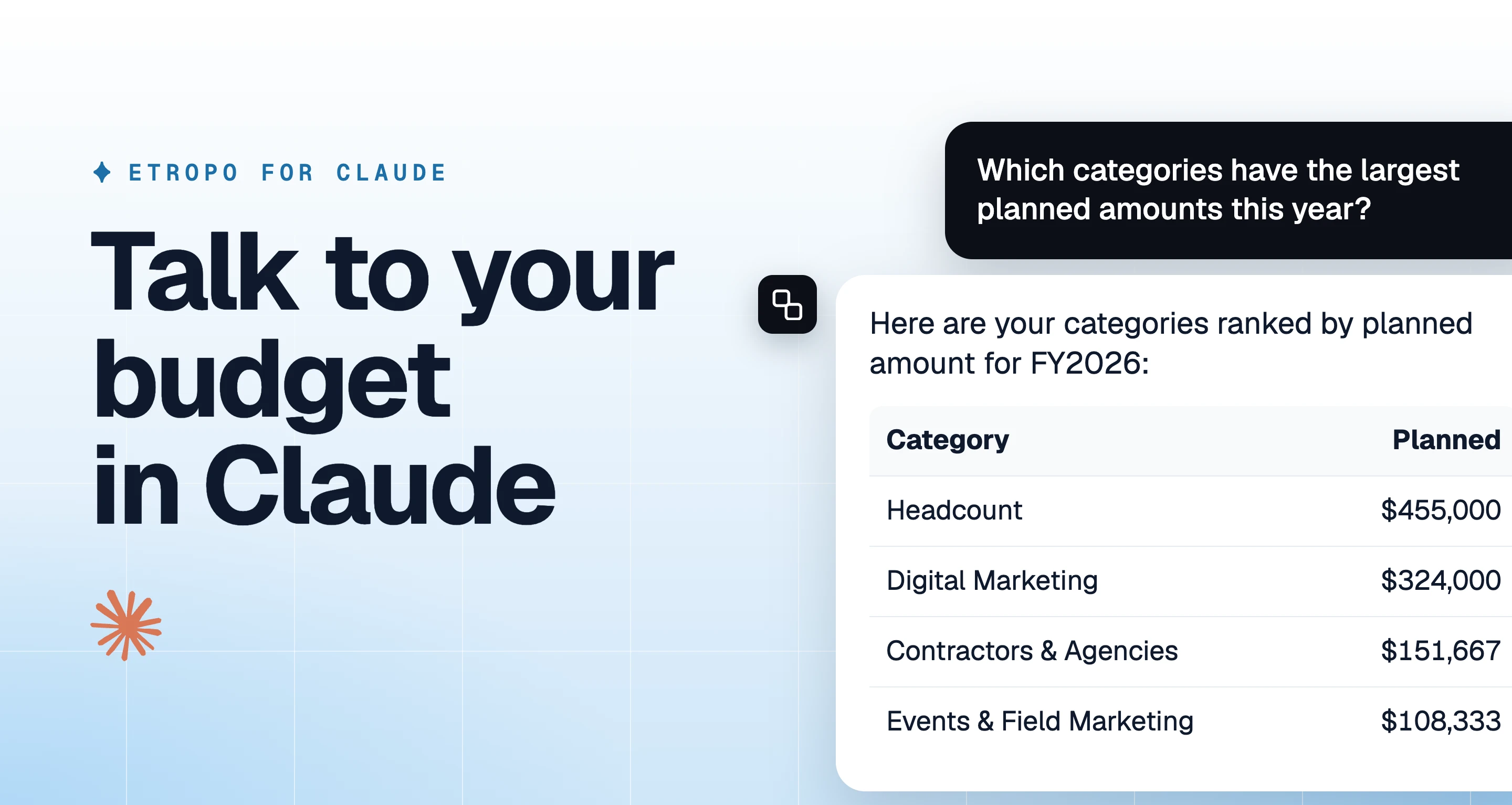
With the official Etropo plugin for Claude, you can ask Claude about your marketing budget and update it in conversation. Claude sees what your Etropo account can see, and it writes changes back to your budget.
Before You Start
- An Etropo account with a budget
- The admin role in the organization you want to connect
- A Pro or Custom plan. See pricing
- If you use two-factor authentication, your code. Etropo asks for it before the approval screen
Add Etropo to Claude
- Open Etropo in the Claude directory
- Click Connect
- Sign in to Etropo in the browser window that opens
- Check the Account and the Organization, then click Authorize
- Back in Claude, start a new conversation and ask about your budget, for example “Which line items are over budget this month?”
You connect once. To stop, remove Etropo under Settings → Connectors in Claude.
To connect Claude Desktop or Claude Code without the directory, see Connect Other AI Assistants.
Learn More
- What You Can Do: every task Claude can do with your budget, with example prompts
- AI Assistants (MCP): how the connection works, the approval screen, and troubleshooting
- Permissions & Security: who can connect, what Claude can access, and how Etropo protects your data
Support
For additional help you can reach out to our support team at: help@etropo.com
Last updated on